

WhatsApp & the Best Free Chat Apps for 2026: Video Chat and Desktop Messaging

I work from a laptop and use WhatsApp web most of the day, WhatsApp app is very much important. and my phone is rarely within reach. For years I kept picking it up just to answer a two-line message. Discover the Best Free Chat Apps in 2026: WhatsApp & Video Chat. Explore desktop messaging tools to stay connected and improve your productivity.
Why Free Chat Apps Still Matter
Most people now message across several devices: a phone, a work laptop, a tablet. The apps worth using sync reliably, protect your privacy, and cost nothing for everyday use. If an app fails at any of those, I drop it.
WhatsApp Web: The Fastest Way to Chat on a Computer
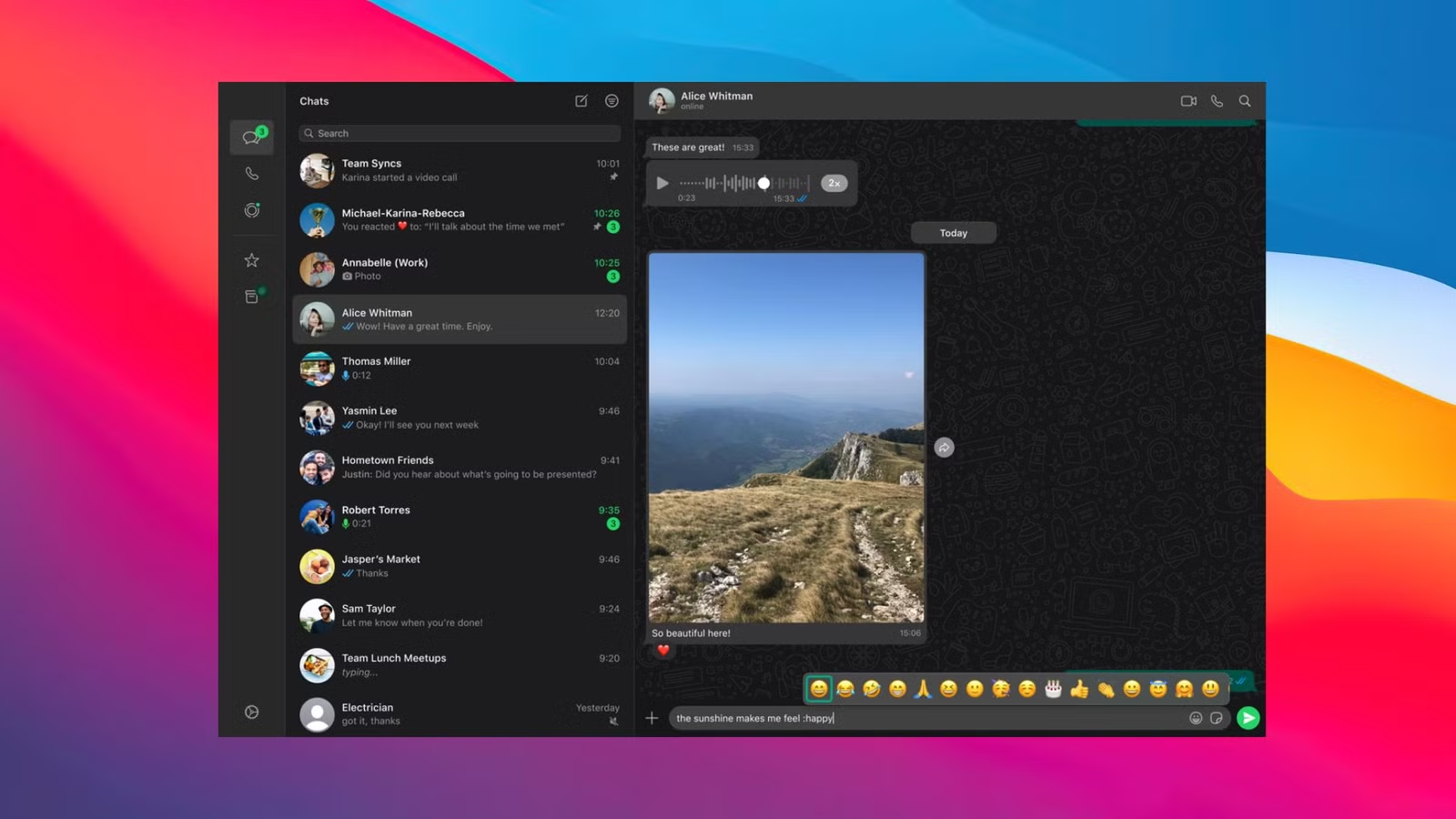
Image Source : Android police
WhatsApp Web is the browser version of WhatsApp. You open, scan a QR code from your phone (or link with a phone number code), and your chats appear on screen. Nothing needs installing.
It suits shared or work computers where you don’t want to add software. Your phone stays the main device, so messages sync both ways. I use it daily for sending files and typing long replies, which is much easier on a full keyboard.
A common question is whether there is a “WhatsApp Web download.” There isn’t. WhatsApp Web runs entirely in your browser. If you want something installable, that is the desktop app, covered below. Be careful with any site offering a “WhatsApp Web download” file, because these are often unofficial and can carry malware. Stick to.
WhatsApp Web on Mobile
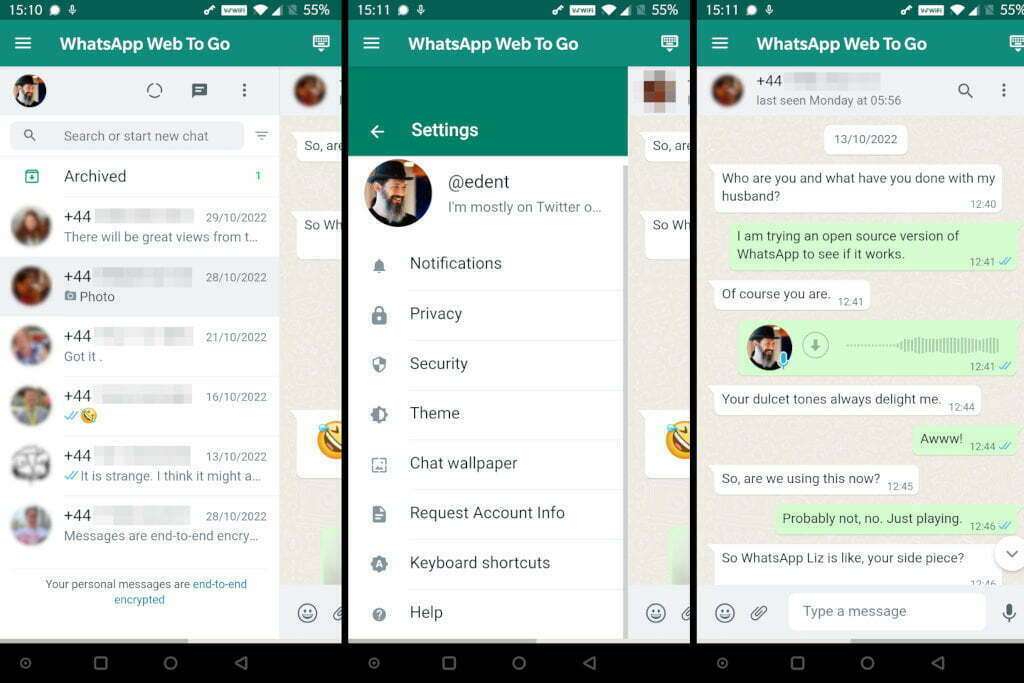
Image Source : Terence Eden’s Blog
Many people want WhatsApp Web on mobile, such as using a second phone or tablet as a linked device. Open your mobile browser, go to, and switch to “Desktop site” in the browser menu. A QR code appears, and you scan it from the phone that holds your account. It works, though the small screen is clumsy. WhatsApp’s linked-devices feature is usually smoother on a tablet.
WhatsApp Desktop App and WhatsApp App for PC
If you chat for hours, the WhatsApp desktop app is worth installing. runs as its own window, gives native notifications, and supports voice and video calls more comfortably than a browser tab. You can get the official WhatsApp app for PC from whatsapp.com/download or the Microsoft Store (Windows), or the Mac App Store.
In my experience, the desktop app handles notifications and multitasking better. WhatsApp Web is better when you’re on a computer you don’t own. I keep both options ready.
WhatsApp Business Web for Small Teams

Image Source : JustCall
If you run a shop, a service, or a freelance practice, WhatsApp Business Web is useful. It lets you handle customer messages from a computer using your WhatsApp Business account. You can use labels, quick replies, and your catalog while typing on a full keyboard. For small businesses, answering a customer on time often decides whether you win the sale, and a big screen makes that easier.
Video Chat: What to Look For
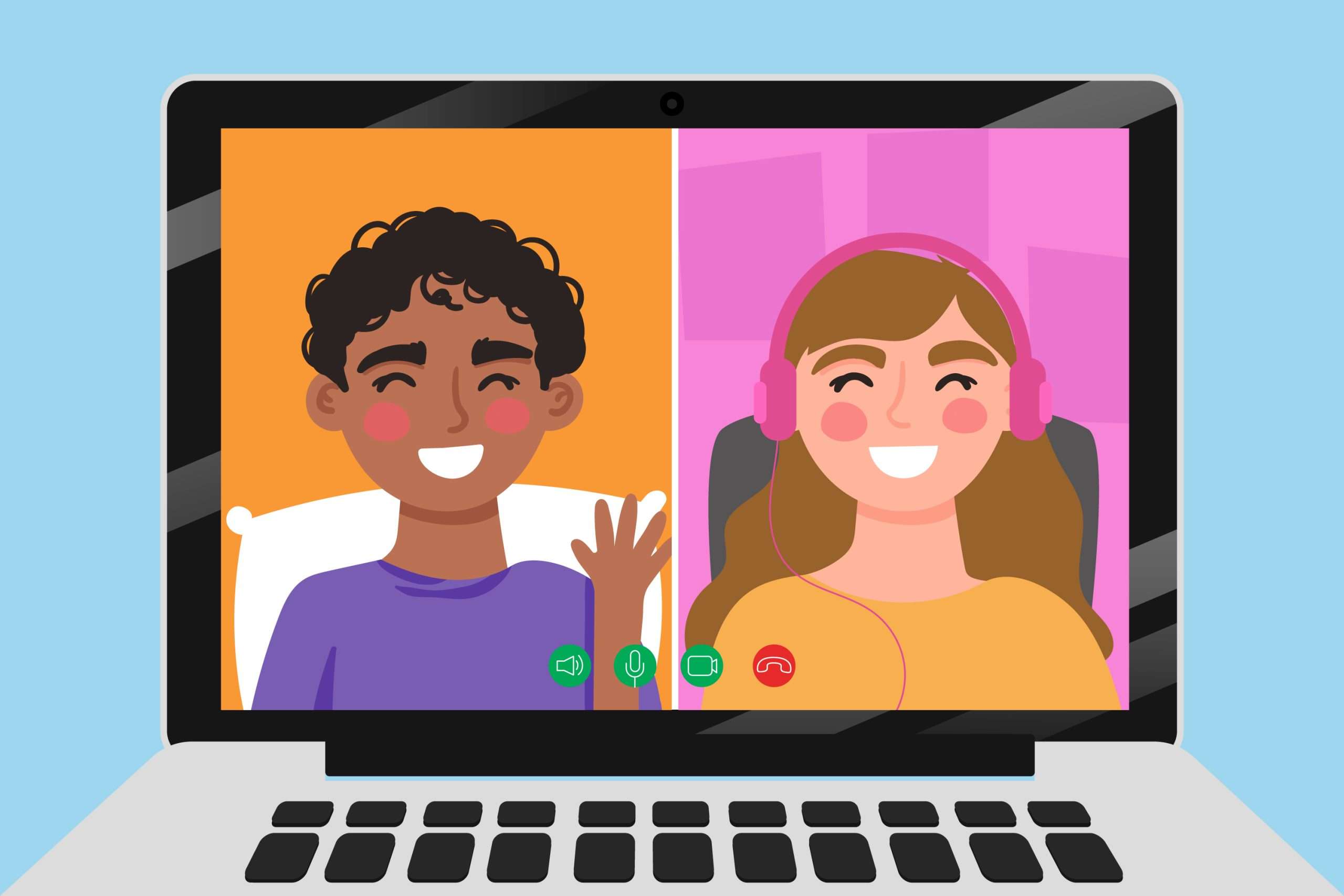
Image Source : Magnific
A good video chat app free of charge should offer stable calls, group support, and clear audio without forcing a subscription. Here is where the main options stand:
-
WhatsApp:
Video chat and voice calls are free over Wi-Fi or mobile data and are end-to-end encrypted. Group calls are supported, with a participant limit that WhatsApp has raised over time. Check the app for the current number.
-
Google Meet:
Free for personal use with a Google account, with generous meeting features. Time limits apply on larger free meetings, so check current terms.
-
Telegram:
Quickly with the help of many people and video calls even though not all conversations are automatically end-to-end encrypted.
-
Signal:
Privacy-oriented option, including encryption on phone calls and simple, ad-free interface.
-
Facebook Messenger:
Good if your friends and family already live on Facebook.
I chose these because I’ve used each for real calls with family abroad and with remote colleagues. No single app wins everywhere, and the best pick depends on who you talk to. If your contacts are on WhatsApp.
Chat Backup on WhatsApp: Don’t Skip This
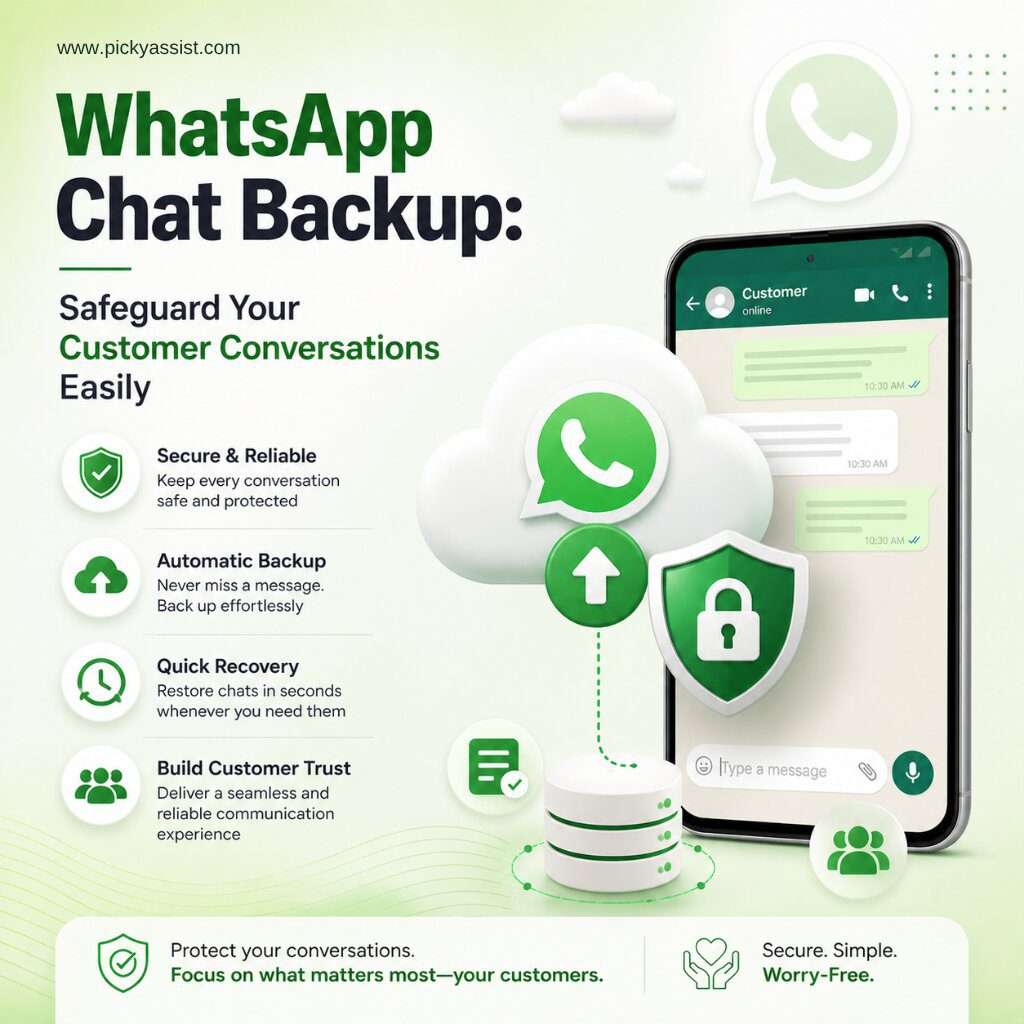
Image Source : Picky Assist
Losing years of conversations is painful, and most people only think about backups after a phone breaks. Chat backup on WhatsApp is simple to set up. Go to Settings, then Chats, then Chat backup. Android users back up to Google Drive, and iPhone users back up to iCloud. You can choose daily, weekly, or monthly backups and decide whether to include videos.
WhatsApp also offers end-to-end encrypted backups, which add a password or key so that even the storage provider can’t read your chat history. I recommend turning this on. One caution: if you lose that password or key, WhatsApp can’t recover your backup for you, so store it somewhere safe.
Deleting a WhatsApp Group the Right Way
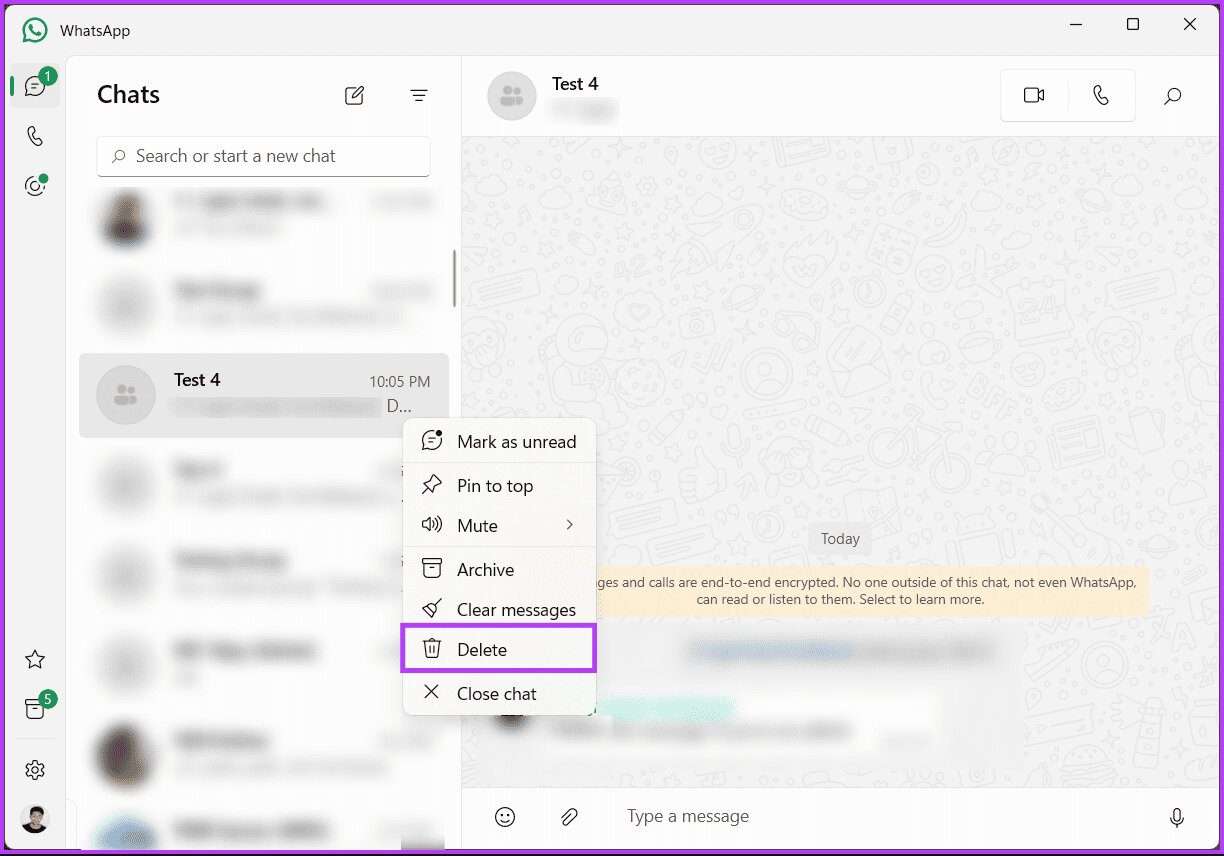
Image Source : Guiding Tech
Clutter builds up fast, and sooner or later you’ll want to clean out old chats. Deleting a WhatsApp group takes a few steps, and the order matters:
- Open the group and tap the group name.
- If you’re an admin, you can remove other participants one by one. Admins can also exit the group once everyone else is out.
- Tap “Exit group,” then confirm.
- After exiting, tap “Delete group” to remove it from your chat list.
If you’re not an admin, you can still exit and delete the group from your own phone, but it will continue to exist for other members. The interface changes slightly between Android and iPhone and between app versions, so check your own screen if a button looks different. Before you delete, export or back up anything you may need later.
My Practical Advice
- Use WhatsApp Web for quick access on any computer, and log out on shared devices.
- Install the desktop app if you chat or call for hours a day.
- Turn on encrypted chat backup now, not after something goes wrong.
- Download apps only from official sources.
- Review your linked devices from time to time under Settings so you can remove any you no longer use.
Final Thoughts
The top free chat applications in 2026 will be those that suit you while preserving your privacy. For most people that means WhatsApp across phone, browser, and desktop, with Signal, Telegram, or Google Meet as strong options for specific needs. Set up your backups, keep your devices tidy, and you’ll have a messaging setup that works smoothly on every screen you own.